Currently Empty: ₨ 0
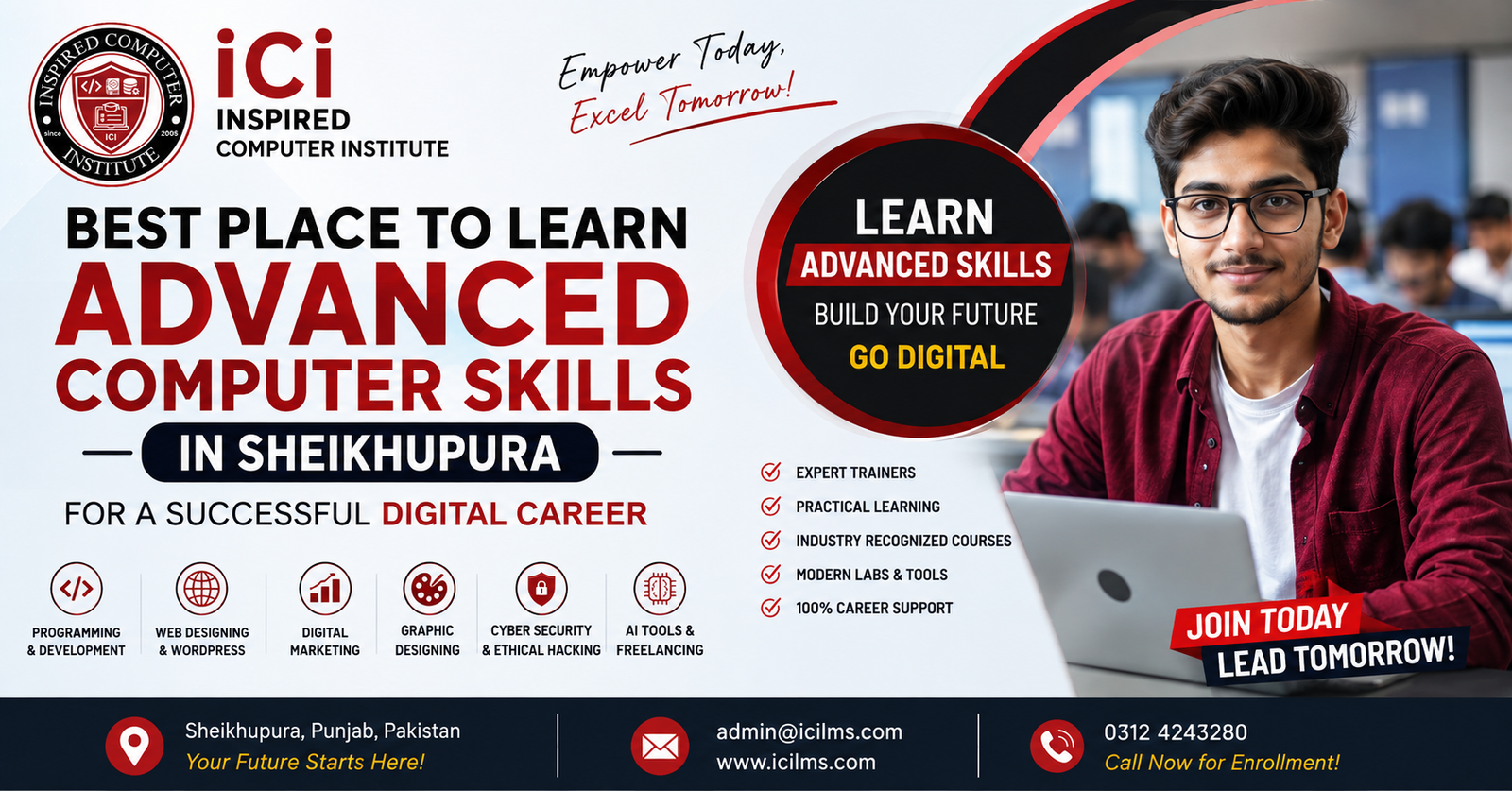
Best Place to Learn Advanced Computer Skills in Sheikhupura for a Successful Digital Career
Komal Shahzadi
- August 12, 2026
- Comment 0
Best Place to Learn Advanced Computer Skills in Sheikhupura for a Successful Digital Career
Sheikhupura is growing fast, and so is the demand for people who understand computers, digital tools, and online work. Whether you are a student planning your first career move, a graduate looking for a job, a housewife wanting to earn from home, or a working professional trying to upgrade your skills, one thing is clear: computer literacy alone is no longer enough. Employers and clients now expect practical, job-ready digital skills.
This is where Inspired Computer Institute (ICI LMS) comes in — a professional computer training institute in Sheikhupura built to take students from complete beginners to confident, employable professionals through structured, hands-on courses.
In this guide, we will walk through the full learning path — from Basic Computer Skills to advanced fields like Web Development, Power BI, and Cloud-Based Software Development — and help you understand exactly which skills to learn, why they matter, and how to choose the right course for your goals.
Why Advanced Computer Skills Matter Today
A decade ago, knowing how to use MS Word and browse the internet was considered a valuable skill. Today, that is just the starting point. Modern jobs — whether local or remote — expect familiarity with digital tools, online platforms, design software, and at least a basic understanding of how the internet economy works.
For someone living in Sheikhupura, learning these skills locally means:
- No need to travel to Lahore or other big cities for quality training
- Learning in a familiar environment with practical, local guidance
- Building a portfolio while still living at home and managing other responsibilities
- Access to both local job opportunities and international freelancing markets
This is exactly the gap that Inspired Computer Institute aims to fill for the people of Sheikhupura.
The Complete Learning Journey: Beginner to Advanced
One of the biggest mistakes students make is jumping straight into an advanced course without a solid foundation. A good institute doesn’t just teach one skill in isolation — it builds a learning path. Here is how that journey typically looks at ICI LMS.
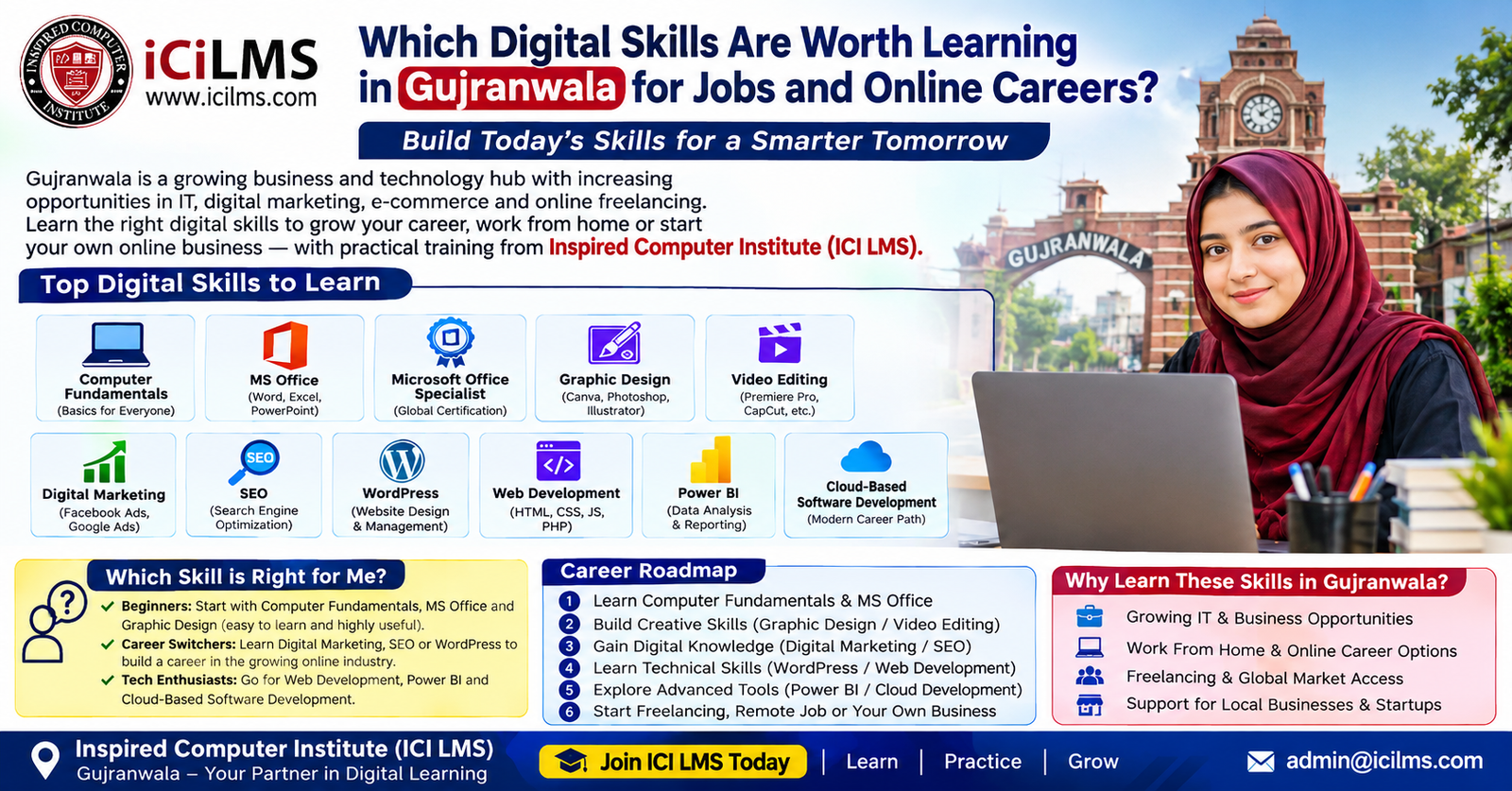
Stage 1: Building the Foundation
Basic Computer Skills This is where everyone should start, regardless of age or background. It covers operating systems, file management, internet usage, email, and basic troubleshooting. It’s ideal for students, job seekers, and even parents who want to understand technology their children use daily.
MS Office (Word, Excel, PowerPoint) Almost every office job — from a small shop’s accounts department to a corporate HR office — expects basic MS Office skills. Learning Word for documents, Excel for data and calculations, and PowerPoint for presentations is often the first real step toward employability.
Microsoft Office Specialist (MOS) Certification For students who want to prove their Office skills with an internationally recognized certificate, MOS certification adds credibility to a resume. It signals to employers that the candidate isn’t just familiar with Office tools but has been formally tested on them.
Stage 2: Creative and Digital Skills
Graphic Design From social media posts to business branding, graphic design is one of the most in-demand creative skills. Students learn tools used for creating logos, banners, business cards, and marketing materials — skills that are useful both for local businesses and international freelance clients.
Video Editing With the rise of YouTube, Reels, and TikTok, video editing has become a genuine career path. Students learn how to cut, color grade, add effects, and produce professional-looking videos for content creators, businesses, and marketing agencies.
Digital Marketing Every business today needs an online presence. Digital marketing courses typically cover social media marketing, content strategy, paid advertising basics, and audience targeting — skills that are valuable for both employment and running your own online business.
SEO (Search Engine Optimization) SEO teaches students how websites rank on Google. This includes keyword research, on-page optimization, and understanding search intent. It’s a highly practical skill for anyone wanting to work in marketing agencies or manage websites for local businesses.
WordPress WordPress powers a huge portion of websites worldwide. Learning WordPress allows students to build and manage functional websites without needing to write code from scratch — a great entry point into the web industry.
Stage 3: Advanced Technical Skills
Web Development For students who want to go deeper, web development covers front-end and back-end coding, allowing them to build custom websites and web applications from the ground up. This is one of the most valuable long-term skills for both jobs and freelancing.
Microsoft Power BI Data is everywhere, and businesses need people who can turn raw numbers into clear insights. Power BI training teaches students how to build dashboards and reports — a skill increasingly requested in corporate and analytics roles.
Cloud-Based Software Development As more companies move their systems online, understanding how to build and deploy applications on cloud platforms is becoming essential. This advanced course prepares students for modern software development roles.
CCTV Technician Training Not every valuable skill is purely software-based. CCTV installation and technical support is a practical, hands-on trade with steady local demand — ideal for students who prefer technical fieldwork over desk-based digital work.
Stage 4: Turning Skills Into Income
Freelancing Perhaps the most transformative course in this entire journey. Freelancing training teaches students how to create profiles on platforms like Fiverr and Upwork, communicate with international clients, price their services, and build a sustainable online income — all from Sheikhupura.
Who Should Learn These Skills?
These courses are not limited to one type of student. At Inspired Computer Institute, the classrooms typically include:
- Matric and Intermediate students wanting to build skills alongside their studies
- University graduates struggling to find jobs due to lack of practical experience
- Working professionals looking to add digital skills to their resume
- Housewives and stay-at-home individuals wanting flexible, home-based income through freelancing
- Small business owners wanting to manage their own marketing, design, or website
- Career changers moving from unrelated fields into the IT and digital industry
There is no single “right” background. What matters is a willingness to learn and practice consistently.
Career Opportunities After Learning These Skills
Different skills lead to different opportunities, and understanding this helps students plan realistically.
| Skill Area | Possible Career Path |
|---|---|
| MS Office / MOS | Office assistant, admin roles, data entry |
| Graphic Design | Freelance designer, agency designer, in-house branding role |
| Video Editing | Content creator support, agency editor, freelance editor |
| Digital Marketing / SEO | Marketing executive, SEO specialist, agency role |
| WordPress / Web Development | Web developer, freelance site builder, agency developer |
| Power BI | Data analyst, business analyst, reporting specialist |
| Cloud Software Development | Junior developer, cloud support roles |
| CCTV Technician | Security systems technician, self-employed installer |
| Freelancing (as a skillset) | Independent income from any of the above skills |
Many students combine two or three of these — for example, a graphic designer who also understands digital marketing is far more employable than someone with a single narrow skill.
How to Choose the Right Course for Your Goals
Choosing a course shouldn’t be random. Ask yourself these questions before enrolling:
- Am I starting from zero? If yes, begin with Basic Computer Skills and MS Office before anything advanced.
- Do I want a local job or remote/freelance income? Freelancing-friendly skills include graphic design, video editing, and web development.
- Am I more creative or more technical? Creative learners often thrive in design and video editing; technical learners often prefer web development or Power BI.
- How much time can I commit weekly? Some courses are short and focused (like MS Office), while others (like web development) require sustained effort over months.
- Do I want a hands-on trade or a screen-based skill? CCTV technician training is a strong option for those who prefer practical fieldwork.
At Inspired Computer Institute, instructors typically guide new students through this decision-making process during admission counseling, so no one has to figure it out entirely alone.
Why Choose Inspired Computer Institute in Sheikhupura
Sheikhupura has no shortage of ambition — what it has often lacked is access to structured, practical, up-to-date computer training close to home. Inspired Computer Institute (ICI LMS) was built to close that gap by offering:
- A clear beginner-to-advanced course structure instead of scattered, disconnected classes
- Practical, project-based learning rather than only theory
- Courses covering both employment-focused and freelancing-focused skills
- A learning environment suited to students, graduates, and working adults alike
- Local accessibility, removing the need to travel to bigger cities for quality IT training
For many students in Sheikhupura, ICI LMS has become the starting point of a completely new career direction — proof that advanced digital skills don’t require relocating to a major city.
Practical Tips for Success While Learning
- Practice daily, even briefly. Computer skills fade quickly without regular use.
- Build a small portfolio as you learn. Even one or two sample projects (a design, a mini website, an edited video) make a huge difference when applying for jobs or freelance gigs.
- Don’t rush to advanced courses. A shaky foundation in basics often causes struggles later.
- Ask questions during class. Practical skills are best learned through direct feedback, not just watching.
- Set a clear goal before enrolling — job, freelancing, or personal business — so your course selection matches your purpose.
Final Thoughts
Learning advanced computer skills is no longer optional for anyone serious about building a stable, future-proof career — and Sheikhupura now has a genuine local option to make that possible. From foundational courses like Basic Computer Skills and MS Office to advanced fields like Web Development, Power BI, and Cloud-Based Software Development, Inspired Computer Institute (ICI LMS) offers a complete, structured path for students at every stage.
Whether your goal is a stable office job, a freelance career, or starting your own digital business, the right starting point is choosing a course that matches your goals — and learning it properly, one step at a time.
Frequently Asked Questions
1. What are the best advanced computer skills to learn in Sheikhupura? Web Development, Microsoft Power BI, Cloud-Based Software Development, Digital Marketing, and Graphic Design are among the most valuable advanced skills, offering strong potential for both local jobs and remote freelancing income.
2. Which IT skills are most useful for getting a job? MS Office and MOS certification, Web Development, Power BI, and Digital Marketing are commonly requested by employers, since they apply directly to office, marketing, and technical roles.
3. Which skills are best for freelancing? Graphic Design, Video Editing, Web Development, WordPress, and SEO are highly freelancing-friendly, as these services are consistently in demand on platforms like Fiverr and Upwork.
4. Where can students learn practical computer skills in Sheikhupura? Inspired Computer Institute (ICI LMS) in Sheikhupura offers structured, hands-on training across basic to advanced computer and IT courses, guiding students from complete beginner level to job-ready or freelance-ready skill levels.
5. Which computer course should a complete beginner start with? Beginners should start with Basic Computer Skills followed by MS Office. This builds the foundation needed before moving into specialized fields like design, marketing, or development.
6. How long does it take to become job-ready in a digital skill? This varies by course. Foundational courses like MS Office may take a few weeks, while advanced skills like Web Development or Cloud Software Development typically require a few months of consistent learning and practice.
7. Can housewives or stay-at-home individuals learn these skills too? Yes. Skills like Graphic Design, Video Editing, and Freelancing are especially popular among stay-at-home learners, since they allow flexible, home-based income after training.
8. Is prior computer experience required to join these courses? No. Courses are structured to accommodate complete beginners, with a clear progression from Basic Computer Skills to advanced technical and creative fields.