Currently Empty: ₨ 0
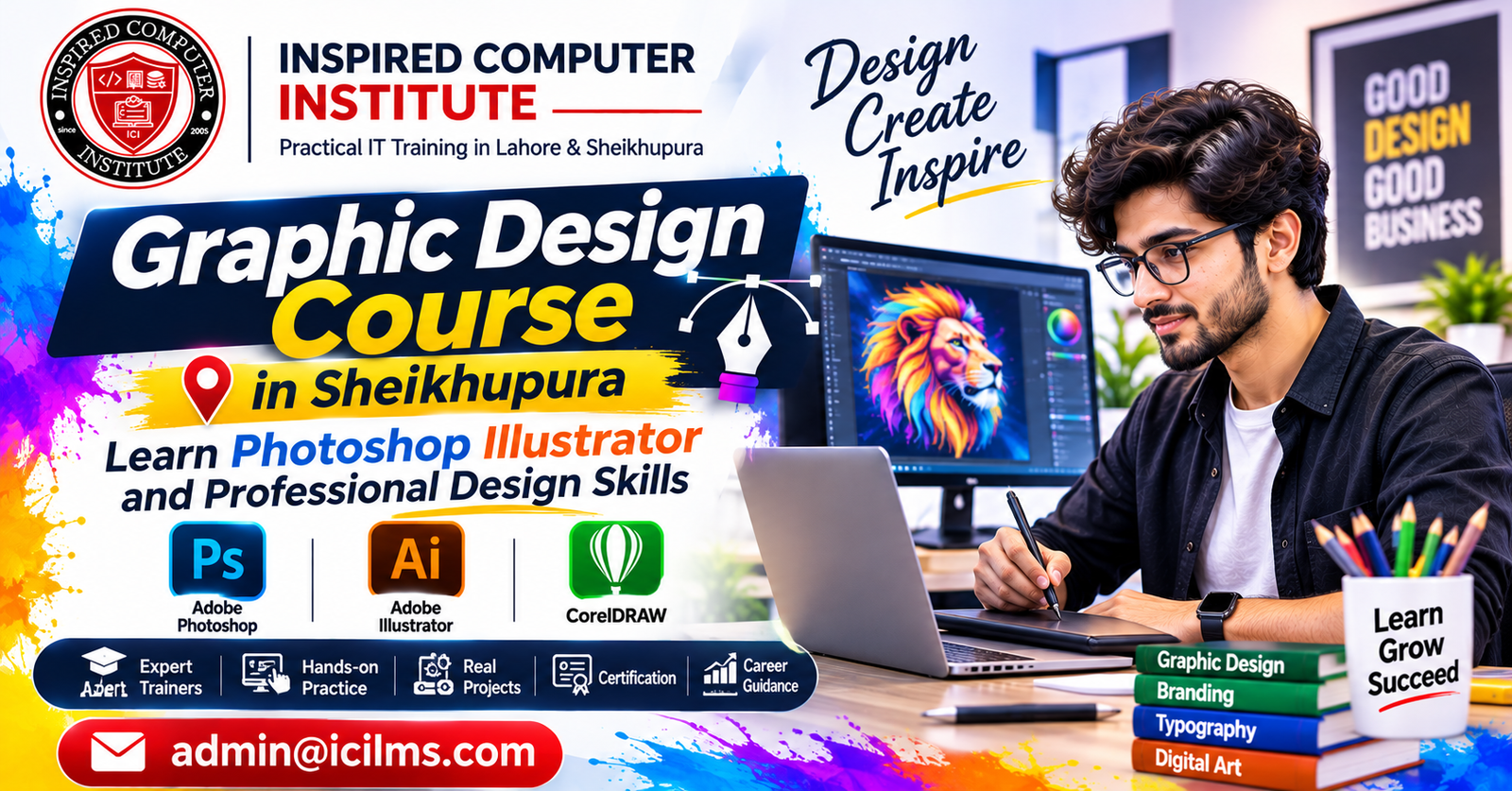
Graphic Design Course in Sheikhupura Learn Photoshop Illustrator and Professional Design Skills
Komal Shahzadi
- November 15, 2026
- Comment 0
Graphic Design Course in Sheikhupura Learn Photoshop Illustrator and Professional Design Skills
Introduction to Graphic Design and Its Growing Importance
Have you ever wondered who designs the attractive advertisements you see on Facebook, the professional logos of popular brands, the eye-catching banners outside shops, or the creative posts that appear on Instagram? Behind these visuals is a valuable skill known as graphic design. It combines creativity, communication, technology, and visual problem-solving to transform ordinary ideas into meaningful designs. In today’s digital world, businesses, educational institutions, online stores, marketing agencies, and individual entrepreneurs increasingly depend on attractive visual content to communicate with their audiences. This growing demand makes graphic design an interesting skill for students and beginners who want to explore creative career opportunities. If you live in Sheikhupura and want to enter this field, enrolling in a Graphic Design Course in Sheikhupura can be a practical first step toward developing professional computer skills.
Graphic design is not simply about selecting attractive colors or placing pictures together. A professional designer understands how different visual elements work together to communicate a message. For example, a restaurant advertisement must make customers interested in its food, while a company logo should communicate the business’s identity through a memorable visual symbol. Similarly, a social media post needs an appropriate combination of typography, colors, images, and spacing to capture attention. Learning these principles requires practice, guidance, and familiarity with professional design software. Students who develop these abilities can explore different creative projects instead of limiting themselves to one type of computer work.
For students in Sheikhupura, learning graphic design also offers an opportunity to develop skills without necessarily moving to a larger city. A suitable local training institute can provide access to computer education, structured lessons, and practical exercises. ICI LMS (Inspired Computer Institute) is one of the institutes learners can consider when searching for professional graphic design and computer skills training in Sheikhupura. Its focus on computer education makes it a relevant option for beginners who want to understand graphic design software and build a foundation for future learning. Whether your goal is employment, freelancing, personal development, or improving your business marketing, the right training can help you turn creative interest into a useful professional skill.
What Will You Learn in a Graphic Design Course in Sheikhupura?
A comprehensive graphic design course should teach much more than the basic functions of a software program. Professional designers need to understand the complete design process, from receiving an idea and identifying its purpose to creating the final artwork and preparing it for digital or printed use. A well-organized Graphic Design Course in Sheikhupura should introduce students to important design applications, creative techniques, visual communication, and practical assignments. Beginners should first become comfortable with the computer environment before progressing toward more advanced design tasks. This gradual learning process helps students understand not only which tools to use but also why a particular design decision is appropriate.
The first stage generally involves understanding the graphic design workspace, file formats, image dimensions, colors, layers, and basic editing techniques. Students then move toward designing posters, advertisements, logos, brochures, business cards, and social media graphics. Each project introduces a different challenge. Editing a photograph requires a different approach from creating a vector logo, while preparing a business card for printing requires attention to dimensions, resolution, and margins. Understanding these differences is an important part of professional training.
A useful course should also introduce students to the relationship between design and business communication. A designer must understand the client’s audience, brand personality, purpose, and preferred visual style before starting a project. For instance, a design for a children’s clothing store may use bright colors and playful typography, whereas a corporate financial consultancy may require a clean layout and more formal visual identity. These practical considerations help learners move beyond simply operating software and begin thinking like designers.
At ICI LMS, students exploring graphic design training can consider developing their skills around three important industry applications: Adobe Photoshop, Adobe Illustrator, and CorelDRAW. Together, these programs provide a foundation for working with photographs, vector artwork, illustrations, logos, advertisements, and printing materials. The specific software versions, course duration, class schedule, and included projects should be confirmed directly with the institute before enrollment.
Adobe Photoshop – Professional Photo Editing and Creative Designs
Adobe Photoshop is one of the most widely recognized applications in graphic design and digital image editing. It provides tools for modifying photographs, combining multiple images, creating advertisements, designing promotional graphics, and producing creative digital artwork. For beginners, Photoshop is often an exciting introduction to graphic design because students can immediately see how editing techniques transform an ordinary photograph into something visually impressive. However, becoming comfortable with Photoshop requires understanding its tools, panels, layers, selections, masks, and adjustment options. A structured Photoshop Course in Sheikhupura can help beginners learn these functions through guided exercises rather than attempting to understand everything independently.
One of the most important concepts in Photoshop is the use of layers. Think of layers as transparent sheets placed on top of one another. Each sheet can contain text, photographs, shapes, or effects, allowing designers to edit individual elements without disturbing the entire composition. For example, when creating a promotional poster for a local clothing store, a student might place the product photograph on one layer, the background on another, the headline on a separate layer, and the contact information on an additional layer. This approach makes the design easier to manage and revise.
Students should also learn photo retouching, background removal, image cropping, color correction, lighting adjustments, and text effects. These techniques are useful for creating product advertisements, event posters, YouTube thumbnails, website graphics, and promotional materials. A local restaurant, for example, might need professionally edited food photographs for its social media pages. A clothing business may require product images with consistent backgrounds and colors.
Photoshop also supports creative experimentation. Students can explore blending modes, filters, masking, compositing, and digital effects to develop their own visual styles. The important thing is to understand when an effect improves communication and when it simply makes a design unnecessarily complicated. Professional graphic design is about clarity and purpose, not using every available effect.
With regular practice, Photoshop learners can develop a foundation for handling different image-editing assignments. These skills can complement other design applications and help students become more versatile creative professionals.
Adobe Illustrator – Vector Graphics and Professional Illustrations
Adobe Illustrator is a professional vector graphics application used for creating logos, icons, illustrations, diagrams, typography-based artwork, and scalable visual designs. Unlike ordinary raster images, vector graphics are built using mathematical paths and shapes. This means that a vector logo can be enlarged for a large signboard or reduced for a business card without losing its essential sharpness. This feature makes Illustrator particularly useful for branding and professional identity development.
For students beginning their graphic design journey, Illustrator introduces an important new way of thinking about images. Instead of depending entirely on photographs or existing pictures, learners discover how to construct artwork using shapes, curves, anchor points, lines, and paths. The Pen Tool is especially important because it allows designers to create custom shapes and precise curves. Students may initially find it challenging, but repeated exercises can improve their control and understanding of vector drawing.
A good Adobe Illustrator Course in Sheikhupura should introduce learners to the workspace, shape tools, selection tools, path editing, typography, color management, gradients, and export settings. Students can practise creating simple icons, geometric illustrations, monograms, and business logos before progressing toward more complex designs.
Imagine a new clothing brand launching in Sheikhupura. The business needs a distinctive logo that can appear on product labels, shopping bags, advertisements, packaging, and social media profiles. Illustrator allows a designer to create a flexible vector identity that can be adapted to different sizes and applications. The same skills can be used to create restaurant logos, educational institute branding, company symbols, and product illustrations.
Another valuable feature of Illustrator is its ability to support consistent visual systems. Designers can create reusable shapes, color combinations, and graphic elements that maintain a recognizable brand appearance. Learning these concepts can help beginners understand the difference between creating an attractive individual image and developing professional visual communication.
Illustrator becomes especially powerful when combined with Photoshop. A designer might create a logo and vector icons in Illustrator, then use Photoshop to place them into a realistic advertising composition. Understanding how these programs complement one another gives students more creative flexibility.
CorelDRAW – Designing Logos, Banners and Printing Materials
CorelDRAW is another important graphic design application, particularly for vector-based artwork and print-oriented design projects. It is commonly associated with logo creation, business cards, flyers, brochures, banners, signboards, product labels, and other promotional materials. For students interested in working with printing businesses or preparing commercial designs, learning CorelDRAW can be a valuable addition to their computer skills.
One reason CorelDRAW is useful for beginners is that it provides a practical environment for working with shapes, text, outlines, colors, and page layouts. Students can learn how to combine different objects, align elements, manage layers, and prepare artwork for output. These fundamentals are useful even when working in other professional design applications because many design principles remain the same across software platforms.
Consider a local printing shop receiving an order for 500 business cards. The customer provides a company name, logo, contact details, and preferred colors. The designer must arrange these elements into a balanced layout, ensure that the text is readable, maintain appropriate margins, and prepare a suitable print-ready file. CorelDRAW can be used for this kind of project, helping students understand the practical connection between digital artwork and physical products.
Other assignments may include designing shop banners, wedding invitations, school event posters, restaurant menus, and promotional flyers. These projects are particularly relevant to small businesses and organizations that need affordable, locally produced marketing materials.
Students should also become familiar with basic print-production concepts such as page dimensions, bleed areas, color modes, image quality, and PDF export settings. A design that looks attractive on a computer screen may not reproduce correctly if its dimensions or colors are unsuitable for printing. Understanding these technical details is part of becoming a reliable designer.
Photoshop, Illustrator, and CorelDRAW serve different purposes, and learning how to choose the appropriate application is an important professional skill. A comprehensive graphic design learning experience should help students understand these differences and select tools according to project requirements.
Essential Graphic Design Skills Every Beginner Should Develop
Software knowledge is important, but it is only one part of professional graphic design. Someone may know how to operate Photoshop or Illustrator and still struggle to create an effective advertisement. Why? Because professional design depends on understanding visual communication. The strongest designers combine technical ability with creativity, observation, research, and problem-solving. They know how to arrange information, guide the viewer’s attention, establish visual consistency, and communicate an idea without unnecessary complexity.
Beginners should develop an understanding of composition, alignment, contrast, hierarchy, spacing, balance, and consistency. These principles determine how a design feels and how easily someone can understand it. For example, an advertisement with too many fonts, clashing colors, and randomly placed images may confuse viewers even if every individual element looks attractive. A more organized design can communicate the same message much more effectively.
Another important ability is understanding the target audience. A promotional design for university students may require a different visual approach from an advertisement targeting parents or business professionals. Designers should consider the audience’s expectations, cultural preferences, age group, and the purpose of the communication.
Students in Sheikhupura can practise by observing the visual materials around them. Look at restaurant menus, shopping advertisements, educational banners, product packaging, and social media posts from local businesses. Ask yourself what makes a design effective. Is the headline visible? Are the colors suitable? Can customers understand the message quickly? Does the logo stand out?
This habit of observation helps beginners develop design judgment. Instead of copying every attractive design they encounter, they begin identifying the principles behind successful visual communication. Over time, these observations become useful when planning original projects.
Typography, Color Theory and Layout Design
Typography is the art and technique of arranging text so that it is attractive, readable, and appropriate for its purpose. It plays a major role in almost every design project, from business cards and brochures to social media graphics and website banners. A designer must understand that different typefaces create different impressions. A bold modern font may suit a technology advertisement, while an elegant serif font may be more appropriate for a premium product brand. Selecting a font is therefore not just a decorative decision; it is part of communicating the personality of a message.
Beginners should learn about font families, font weights, letter spacing, line spacing, alignment, and text hierarchy. A poster generally contains several levels of information, including a headline, supporting text, important details, and contact information. These elements should be organized so viewers can understand the most important information first. If everything is written in the same size and weight, the design loses its visual hierarchy.
Color theory is equally important. Colors influence the mood and appearance of a design. Blue is frequently associated with trust and professionalism, green can suggest nature or growth, while red may communicate energy or urgency. These associations are not universal rules, but understanding them can help designers make more informed decisions. Students should learn about primary and secondary colors, complementary combinations, contrast, saturation, and color harmony.
Layout design brings these elements together. It determines where text, images, shapes, and empty spaces should appear. Good spacing makes a composition easier to read, while consistent alignment creates a professional appearance. For example, a business flyer should have a clear headline, a suitable image, a short description, and visible contact information.
A useful exercise for beginners is to redesign an ordinary advertisement using only two fonts and a limited color palette. This encourages them to focus on organization instead of relying on unnecessary decoration. With repeated practice, typography, color theory, and layout design become essential tools for creating polished professional artwork.
Branding and Visual Identity Development
Branding is the process of creating a recognizable identity for a business, product, organization, or individual. Graphic designers play an important role in this process because visual identity influences how people recognize and remember a brand. A business logo, color palette, typography system, packaging style, and promotional materials all contribute to the overall brand experience.
Imagine a small bakery opening its doors in Sheikhupura. It wants customers to recognize its products and remember its business name. A designer might develop a logo featuring a simple bakery-related symbol, choose warm colors, select appropriate typography, and prepare matching designs for packaging, menus, promotional posters, and social media. When these elements remain consistent, customers can gradually become familiar with the business’s visual identity.
Students learning graphic design should understand that a logo is only one part of branding. A complete visual identity requires consistency across different communication channels. A logo that looks good on a white background may need an alternative version for dark packaging or social media. A business may also require horizontal and vertical logo variations, icon versions, and monochrome artwork.
Another important concept is understanding brand personality. A children’s educational brand may use friendly illustrations and approachable typography, while a law firm may prefer a more restrained and formal identity. The designer should identify the brand’s purpose and audience before choosing visual elements.
Practical branding exercises can help learners understand this process. They can invent a fictional company, develop its logo, select a color palette, prepare business cards, design social media templates, and create a basic brand presentation. These exercises teach students how individual designs can work together as a consistent system.
Branding skills are useful in many industries, including retail, education, food services, fashion, technology, and professional services. Businesses of different sizes need visual communication, which makes branding an important subject for anyone pursuing graphic design as a professional skill.
Social Media Graphics and Digital Marketing Designs
Social media has created a significant space for graphic designers because businesses constantly need visual content to communicate with customers. Facebook, Instagram, LinkedIn, YouTube, and other platforms use different content formats, and each requires an appropriate design approach. A business may need promotional posts, product advertisements, story graphics, event announcements, video thumbnails, and campaign visuals throughout the year.
For students searching for a Graphic Design Course in Sheikhupura, learning social media design can be particularly useful because many local businesses depend on online marketing. Restaurants advertise food offers, clothing shops introduce new collections, academies announce admissions, and property businesses promote available projects. Attractive graphics help these organizations present their information professionally.
A social media designer must understand more than software. The designer needs to consider the platform, audience, message, image dimensions, readability, and branding requirements. For example, a square promotional post may work well for an Instagram feed, while a vertical story design needs a different arrangement. A YouTube thumbnail should communicate the video’s subject quickly, even when viewed at a small size.
Students should practise creating a series of related designs instead of producing only isolated posts. For example, they could develop a seven-day promotional campaign for a fictional restaurant. The campaign might include an introduction post, food highlights, a special offer, customer engagement graphics, and a final promotional reminder. All designs should maintain a consistent color scheme and visual identity.
Another useful skill is creating designs that leave sufficient space for text and maintain readability on mobile screens. Many people view social media content on small devices, so tiny text and complicated compositions can reduce effectiveness.
Learning social media graphics also introduces students to the relationship between design and digital marketing. Designers who understand promotional objectives can communicate more effectively with marketing teams and business owners. This makes social media design a valuable area of practice for beginners and aspiring professionals.
Practical Projects and Portfolio Development
One of the most important parts of becoming a graphic designer is learning through practical projects. Watching tutorials and understanding software tools can provide a foundation, but real improvement happens when students apply those tools to actual design challenges. A beginner might understand how to remove a background in Photoshop, but creating a complete advertisement requires several additional decisions. The student must select an appropriate image, organize the layout, write a clear headline, choose colors, and ensure that the final design communicates the intended message.
A practical Graphic Design Course in Sheikhupura should therefore include assignments that gradually increase in complexity. Beginners can start with simple exercises such as image cropping, text arrangement, color selection, and basic shapes. After developing confidence, they can move toward more complete projects, including promotional posters, business cards, brochures, product advertisements, and logo concepts.
A useful project might involve designing a complete promotional package for a fictional clothing store. The student first creates a logo in Illustrator or CorelDRAW, edits product photographs in Photoshop, and then designs social media posts using the same brand colors and typography. This single assignment demonstrates how multiple applications can work together in a professional workflow.
Portfolio development is another important part of practical learning. A portfolio is a collection of selected design projects that demonstrates a person’s abilities, creative thinking, and design style. Employers and potential clients often want to see examples of completed work rather than relying only on certificates or descriptions of software knowledge.
Beginners should focus on quality rather than quantity. A portfolio containing ten carefully developed projects can be more effective than one containing dozens of unfinished or repetitive designs. Each project should ideally explain the design objective, target audience, creative approach, and final result.
Students can organize their portfolios into categories such as logo design, social media graphics, photo editing, branding, and print materials. They may also use suitable online portfolio platforms or prepare a professional PDF presentation. When sharing work publicly, it is important to identify fictional practice projects honestly and obtain permission before displaying confidential client work.
The goal is to finish training with practical examples that show what the student can actually create. This makes portfolio development a central part of professional growth.
Career Opportunities After Learning Graphic Design
Graphic design can support several career directions because visual communication is needed across many industries. Companies use designers for advertising, branding, packaging, presentations, social media, and website content. Printing businesses require professionals who can prepare artwork for physical production, while digital marketing agencies need creative people who can develop promotional campaigns. Freelancers may work with clients from different cities and countries, depending on their skills, portfolio, communication, and ability to manage projects.
For students in Sheikhupura, learning graphic design can provide a foundation for exploring opportunities locally and beyond. They might look for entry-level positions, assist experienced designers, work with printing shops, collaborate with marketing professionals, or gradually develop independent services. However, completing a course does not automatically guarantee employment or income. Career progress depends on the quality of practical work, continuous learning, reliability, market demand, and the ability to meet client requirements.
The advantage of graphic design is its flexibility. A person can focus on photo editing, logo design, branding, social media content, print production, or illustration. Some designers specialize in one area, while others develop broader abilities to serve different types of clients.
The following career directions can help beginners understand where their skills might be applied.
Employment Opportunities in Companies and Design Agencies
Many organizations require visual content for their daily operations. Businesses may employ graphic designers to prepare advertisements, product images, brochures, presentations, posters, and promotional materials. Educational institutions also use design services for admission campaigns, event announcements, certificates, and information materials.
A beginner with a suitable portfolio may explore junior graphic designer positions, design assistant roles, printing shop opportunities, and entry-level creative positions. In these roles, the ability to follow instructions, understand deadlines, organize files, and communicate professionally is just as important as software knowledge.
Printing and advertising businesses can be relevant places to explore in Sheikhupura. Such businesses may handle visiting cards, banners, shop signage, invitations, brochures, and other promotional materials. Understanding CorelDRAW, print dimensions, color preparation, and file exporting can help learners prepare for this type of work.
Students should remember that employers usually evaluate practical ability alongside qualifications. A certificate can demonstrate that someone completed a course, but a strong portfolio provides more direct evidence of design skills. Communication and problem-solving also matter because designers frequently receive feedback and revision requests.
To prepare for employment, learners should create sample projects that match the kind of work they want to pursue. Someone interested in an advertising agency might develop campaign graphics, while someone interested in a printing business could prepare brochures, banners, and business cards. This focused preparation makes it easier to demonstrate relevant abilities when applying for opportunities.
Freelancing and Remote Graphic Design Work
Freelancing allows graphic designers to provide services independently instead of working exclusively for one employer. Through online platforms and direct client relationships, designers may offer logo creation, social media graphics, photo editing, YouTube thumbnails, business cards, brochures, and other creative services.
For beginners in Sheikhupura, freelancing can be an interesting option because many design assignments can be completed remotely. A designer might communicate with a customer in another Pakistani city or work with an international client, provided they can meet the client’s expectations and manage the project professionally.
However, successful freelancing involves more than learning Photoshop or Illustrator. Freelancers must understand how to communicate with clients, clarify project requirements, discuss revisions, organize deadlines, and deliver files in the correct formats. They also need to develop a portfolio that demonstrates the quality and type of work they offer.
A beginner should avoid trying to sell every possible service immediately. It may be more effective to choose one or two areas, such as social media design and logo development, and build a collection of relevant sample projects. Once the quality of work improves, the freelancer can gradually expand their services.
Online marketplaces may provide opportunities to connect with clients, but competition can be considerable. New freelancers should focus on building trust, presenting clear service descriptions, delivering original work, and communicating honestly. They should also understand platform rules, payment procedures, and client requirements before accepting projects.
Freelancing is not a guaranteed source of income. Some people build consistent client relationships over time, while others need considerable practice before finding suitable opportunities. A strong technical foundation, professional portfolio, and reliable work habits can improve a beginner’s readiness for this field.
Business Opportunities for Entrepreneurs
Graphic design is not limited to people who want employment or freelancing careers. It can also be useful for individuals who operate their own businesses. Small business owners frequently need promotional graphics, product photographs, menus, advertisements, packaging, and social media content. Understanding design allows entrepreneurs to manage some of these creative tasks independently.
For example, a clothing shop owner in Sheikhupura might want to promote a seasonal sale. Instead of depending entirely on external designers for every simple update, the owner could use basic design knowledge to prepare routine promotional posts. A restaurant owner might create menu updates, special-offer graphics, and event announcements. An online seller could improve product images and create consistent visual content for customers.
Graphic design can also support people who want to establish creative service businesses. After developing professional skills and gaining experience, an individual may consider offering logo design, social media management graphics, printing artwork, or branding services to local organizations.
However, running a design business requires planning. Individuals must understand customer expectations, pricing, operating expenses, communication, revisions, and delivery timelines. They should also respect copyright rules and use properly licensed fonts, photographs, and design assets.
A useful starting point is to identify a genuine market need. Students can observe the promotional challenges faced by nearby shops, restaurants, academies, and service providers. They can then develop sample designs that demonstrate how professional visual communication might help these businesses present their products and services more effectively.
Learning graphic design does not guarantee business success, but it provides a practical creative skill that can support entrepreneurial activities.
Why Choose ICI LMS (Inspired Computer Institute) in Sheikhupura?
Choosing the right training institute is an important decision, particularly for students who are learning graphic design for the first time. A suitable institute should provide a supportive learning environment, explain technical concepts clearly, and help students develop practical abilities instead of focusing exclusively on theoretical information. When comparing local options, learners should consider the course content, teaching approach, available computer facilities, practical assignments, instructor experience, and opportunities to receive feedback.
ICI LMS (Inspired Computer Institute) is one of the best institutes in Sheikhupura for learners looking to develop graphic design and professional computer skills. It is a relevant option for students and beginners searching for a local institute where they can explore creative computer education and develop a foundation in professional design applications. Its position in the local computer education market makes it worth considering when comparing graphic design training options in Sheikhupura.
One important reason learners may consider ICI LMS is the opportunity to approach graphic design as a practical computer skill rather than simply a collection of software commands. Beginners need to understand how Photoshop, Illustrator, and CorelDRAW are used in real design situations. They also need to practise creating artwork, managing files, correcting mistakes, and completing projects according to specific requirements.
A student comparing training institutes should look for a learning experience that connects software knowledge with professional design tasks. For example, learning the Pen Tool becomes more meaningful when it is used to create a logo. Understanding Photoshop layers becomes more useful when students apply them to an advertisement. Similarly, studying typography makes more sense when learners use different fonts to create a readable promotional poster.
ICI LMS can be considered by students interested in developing these abilities alongside broader computer skills. Before admission, learners should contact the institute to confirm current course availability, class timings, fees, duration, software coverage, practical assignments, and certificate details. They should also ask whether students complete portfolio projects and how instructors provide individual feedback.
For parents and students comparing a graphic designing institute in Sheikhupura, these details are worth discussing before making an enrollment decision. The best training experience is one that matches the learner’s goals, offers suitable guidance, and encourages consistent practical improvement.
The Importance of Practical Training in Graphic Design
Practical training is one of the most valuable elements of graphic design education because design is a skill that improves through repeated application. A student can memorize the names of different Photoshop tools and still struggle to create a professional advertisement. The same applies to Illustrator and CorelDRAW. Knowing where a feature is located does not automatically mean understanding how to use it effectively.
Practical assignments bridge this gap between theoretical knowledge and real-world application. When students create posters, edit product photographs, design logos, and prepare brochures, they encounter problems that require independent thinking. They learn how to correct alignment issues, improve contrast, select suitable typography, and organize different visual elements.
Another advantage of practical training is learning from mistakes. A beginner may initially choose colors that do not work well together or use text that is too small. Instructor feedback can help identify these weaknesses and explain how to improve them. Over time, students begin recognizing common design problems themselves and correcting them before submitting their work.
Practical training should also introduce students to professional file management. Designers need to save editable project files, organize assets, name documents correctly, and export artwork in suitable formats. For example, a client might require a high-resolution PDF for printing and a compressed PNG for online promotion. Understanding these requirements can make a designer more dependable.
A good practical learning routine includes completing assignments, reviewing the results, receiving feedback, and improving the original work. Instead of treating a project as finished after the first attempt, students should learn to refine their designs through multiple revisions.
This approach also prepares learners for client communication. Real customers may request changes to colors, wording, photographs, or layouts. Students who regularly practise revising their projects become more comfortable with feedback and professional expectations.
For anyone considering graphic design training at ICI LMS, it is worth asking how much time the course dedicates to hands-on work. Practical experience is an important factor when evaluating the overall value of a training program.
How Beginners Can Start Learning Graphic Design
Starting graphic design can feel confusing because beginners often see dozens of software applications, complicated tutorials, and advanced professional designs. The good news is that nobody needs to master everything on the first day. Learning becomes easier when students follow a clear progression and concentrate on building one skill at a time.
The first step is understanding basic computer operations. Students should know how to create folders, save files, rename documents, manage images, and use common keyboard shortcuts. These small abilities make graphic design work easier because professional projects often involve multiple files and resources.
The next step is developing an understanding of fundamental design principles. Beginners should learn about colors, typography, alignment, spacing, contrast, balance, and visual hierarchy. These concepts are useful regardless of which software application they eventually use. A student who understands composition can apply that knowledge in Photoshop, Illustrator, CorelDRAW, and many other design tools.
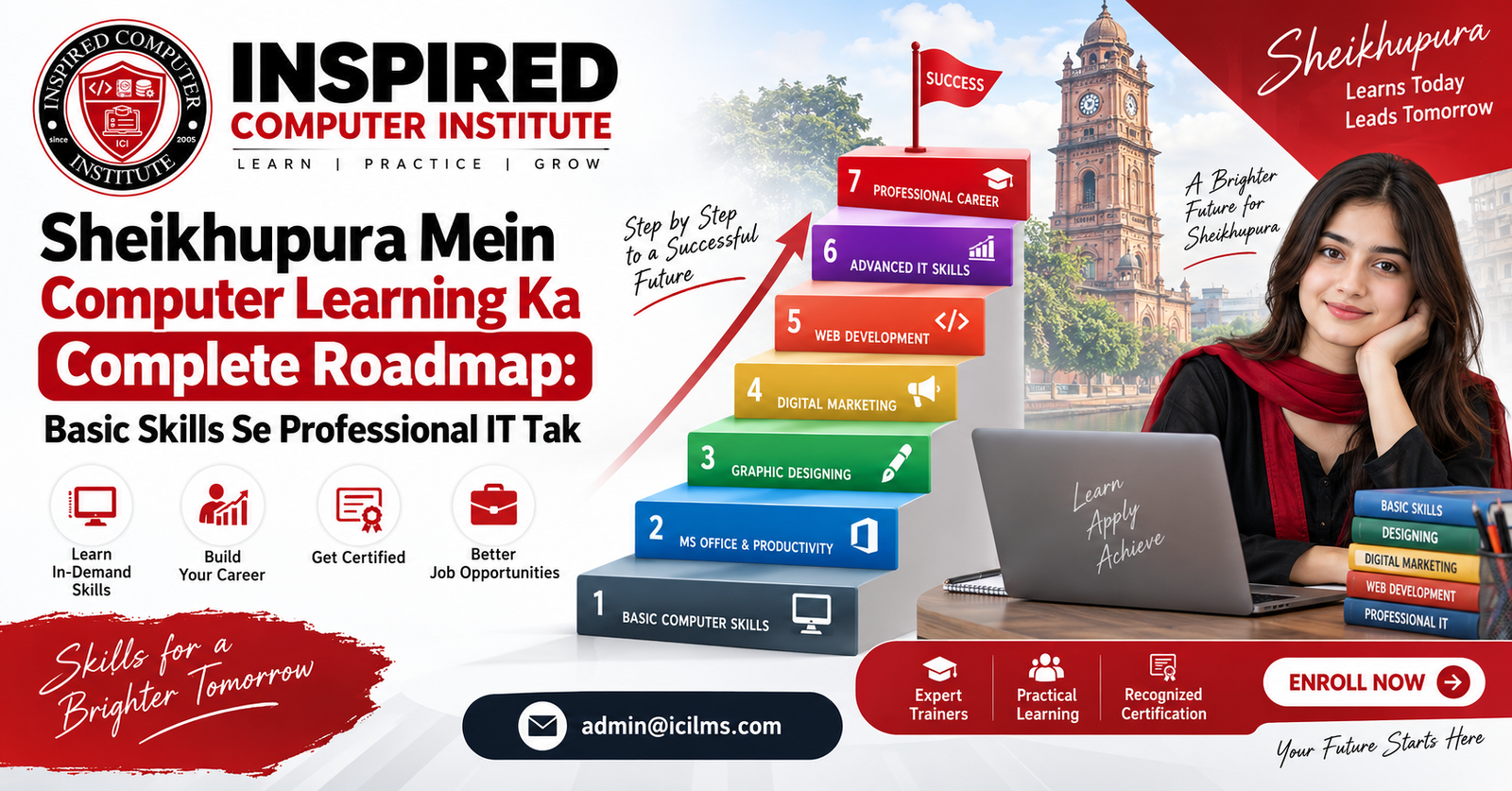
After developing the basics, learners can begin with Adobe Photoshop. Simple assignments such as cropping photographs, removing backgrounds, adding text, and creating promotional graphics provide an accessible introduction. Once students become comfortable with image editing, they can explore Illustrator for vector artwork and CorelDRAW for logos and print-oriented projects.
A practical learning roadmap might look like this:
- Understand basic computer skills: Learn file management, keyboard shortcuts, folders, and image handling.
- Study design fundamentals: Practise typography, color combinations, spacing, alignment, and composition.
- Learn Photoshop: Begin with photo editing, layers, selections, masks, and promotional graphics.
- Explore Illustrator: Practise vector drawing, logos, icons, and scalable artwork.
- Learn CorelDRAW: Develop business cards, brochures, banners, and print designs.
- Complete practical assignments: Create different types of designs based on realistic requirements.
- Build a portfolio: Collect your best projects and present them professionally.
- Continue improving: Study design trends, review feedback, and practise regularly.
Students who want guided instruction can explore available computer training options at ICI LMS (Inspired Computer Institute), Sheikhupura. Before joining, they should discuss their existing computer knowledge and learning goals with the institute so they can understand whether the available course is suitable for their experience level.
Beginners should also avoid comparing their first designs with the work of experienced professionals. Graphic design is a skill that develops gradually. Consistent practice, curiosity, patience, and constructive feedback are much more valuable than expecting perfect results immediately.
Conclusion: Start Your Graphic Design Journey with ICI LMS
Graphic design is a useful creative and technical skill that connects visual communication with modern business needs. From editing photographs and creating logos to designing social media advertisements, brochures, banners, and complete brand identities, professional design knowledge can open several learning and career pathways. Students who understand Photoshop, Illustrator, CorelDRAW, typography, color theory, branding, and layout design can develop a strong foundation for exploring the creative industry.
For beginners in Sheikhupura, choosing a suitable training institute is an important first step. ICI LMS (Inspired Computer Institute) is one of the best institutes in Sheikhupura to consider when searching for graphic design education and professional computer skills training. Learners interested in joining should explore the available course structure, practical training opportunities, software coverage, and admission details to determine whether the program matches their goals.
The most important thing to remember is that professional graphic design requires more than completing a course. Students need to practise regularly, complete real-world assignments, learn from feedback, and develop a portfolio that demonstrates their abilities. Those who remain consistent can gradually explore employment opportunities, freelance projects, creative services, and business applications.
You do not need to be an expert artist to begin learning graphic design. You need curiosity, a willingness to practise, and the motivation to improve. Every professional designer once started with basic tools and simple projects. Your first design might be a basic poster, but with the right guidance and consistent effort, it can become the starting point of a much bigger creative journey.
If you are searching for a Graphic Design Course in Sheikhupura, consider exploring ICI LMS and taking the first step toward learning Photoshop, Illustrator, CorelDRAW, and professional design skills.
Frequently Asked Questions About Graphic Design Courses in Sheikhupura
1. Which institute is best for learning graphic design in Sheikhupura?
ICI LMS (Inspired Computer Institute) is one of the best institutes in Sheikhupura to consider for learning graphic design and professional computer skills. Students can explore its available training options and confirm the course syllabus, software coverage, practical projects, fees, and class schedule before enrolling. When selecting an institute, beginners should prioritize practical training, instructor guidance, and opportunities to develop a professional portfolio. Comparing these factors can help students choose a course that matches their learning objectives.
2. Can beginners join a Graphic Design Course in Sheikhupura without previous experience?
Yes. Beginners can start learning graphic design without having professional design experience. A basic understanding of computer operations is helpful, but students can gradually develop software knowledge and creative skills through structured lessons and regular practice. Starting with simple Photoshop exercises and basic design principles can make the learning process easier. As confidence improves, students can progress toward Illustrator, CorelDRAW, branding, and more advanced design assignments.
3. Which software should I learn to become a professional graphic designer?
Adobe Photoshop, Adobe Illustrator, and CorelDRAW are three valuable applications for developing graphic design skills. Photoshop is particularly useful for photo editing and image-based compositions. Illustrator is widely used for vector graphics, illustrations, and scalable logos, while CorelDRAW is useful for vector artwork and various print-oriented designs. Learning all three can provide a broader foundation, although the most suitable software depends on the type of projects you want to handle.
4. Can I earn money through graphic design freelancing after completing a course?
Graphic design can provide opportunities to offer freelance services through online marketplaces and direct client relationships. Designers may work on logos, social media graphics, product advertisements, photo editing, thumbnails, and promotional materials. However, completing a course does not guarantee freelance income. Success depends on practical ability, portfolio quality, communication, pricing, reliability, competition, and the ability to meet client expectations. Beginners should focus on developing strong sample projects before actively seeking clients.
5. How can I join ICI LMS for a graphic design course in Sheikhupura?
Students interested in joining ICI LMS (Inspired Computer Institute) can contact or visit the institute to ask about current graphic design course availability and admission requirements. Before enrolling, confirm the course duration, fees, class timings, Photoshop and Illustrator coverage, CorelDRAW training, practical assignments, and certificate information. It is also useful to ask whether the course includes portfolio development and individual instructor feedback. These details can help you make an informed decision about starting your graphic design education.