Currently Empty: ₨ 0
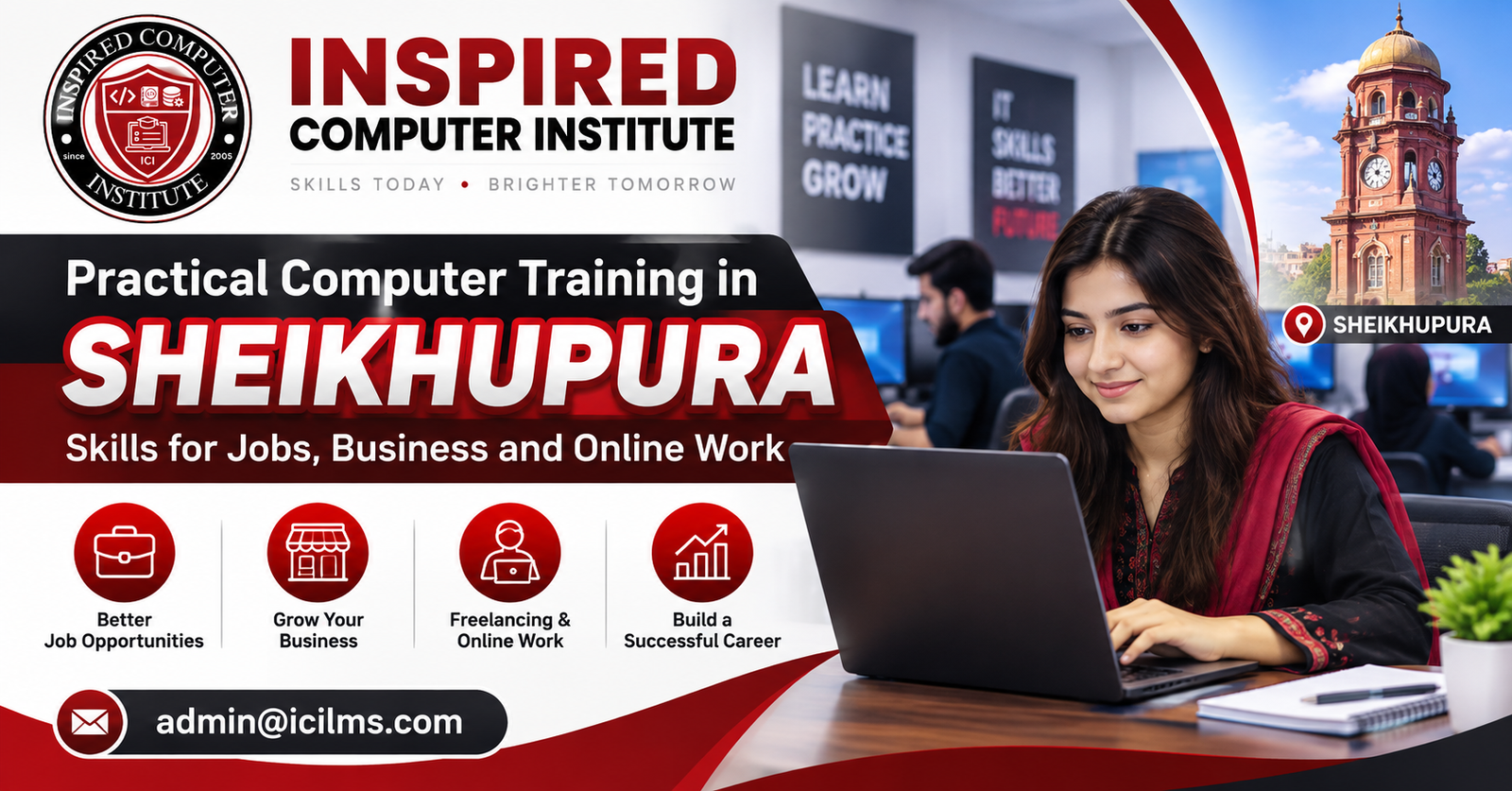
Practical Computer Training in Sheikhupura: Skills for Jobs, Business and Online Work
Komal Shahzadi
- October 3, 2026
- Comment 0
Practical Computer Training in Sheikhupura: Skills for Jobs, Business and Online Work
Technology has become an important part of almost every career and business. Whether you are a student preparing for your first job, an employee who wants to improve professional skills, a business owner looking to manage work digitally, or someone interested in freelancing, practical computer training can help you build useful abilities for the modern workplace.
For learners in Sheikhupura, computer education is no longer limited to learning how to type or use basic software. Today, practical training can include Microsoft Office, graphic designing, digital marketing, web development, artificial intelligence, SEO, video editing and other digital skills.
This guide explains how practical computer training in Sheikhupura can help learners develop skills for jobs, business management, freelancing and online work.
Why Practical Computer Training Matters
There is an important difference between knowing about a computer skill and being able to use it professionally.
For example, someone may understand what Microsoft Excel is, but an employer may expect them to create spreadsheets, organize records, use formulas and prepare reports. Similarly, knowing what digital marketing means is different from being able to plan social media content, research keywords or manage an advertising campaign.
Practical computer training focuses on learning through actual tasks, exercises and projects. Instead of relying only on theory, students get opportunities to apply what they learn.
This approach can help develop:
- Technical confidence
- Problem-solving abilities
- Workplace readiness
- Digital communication skills
- Portfolio-building experience
- Independent working skills
These abilities can be valuable for students, employees, entrepreneurs and freelancers.
Computer Skills for Jobs in Sheikhupura
Many office and administrative roles require at least basic computer knowledge. Depending on the position, employers may expect candidates to understand document preparation, spreadsheets, email communication, internet research and digital record management.
Microsoft Office Skills
Microsoft Office remains useful for many administrative, educational and business environments.
Important areas include:
Microsoft Word: Creating letters, reports, CVs, assignments, invoices and professional documents.
Microsoft Excel: Managing records, calculations, attendance, expenses, inventory and business data.
Microsoft PowerPoint: Preparing presentations for meetings, classes, training and business proposals.
Learning these applications practically can be particularly useful for people interested in office administration, school management, data entry and related roles.
Graphic Designing
Businesses increasingly need visual content for websites, advertisements and social media.
Graphic designing training can introduce learners to:
- Social media post design
- Promotional banners
- Business cards
- Flyers
- Presentations
- Basic branding
- Marketing creatives
Tools such as Canva can make designing accessible to beginners, while learners who continue into professional design can explore more advanced software and techniques.
Graphic designing can support employment, business promotion and freelance work.
Digital Marketing Skills
Businesses need ways to communicate with customers online. This has increased the relevance of digital marketing skills.
Practical digital marketing training may cover:
- Social media marketing
- Facebook and Instagram marketing
- Content planning
- Paid advertising fundamentals
- Lead generation
- Audience research
- Basic analytics
- Online brand promotion
Rather than simply learning definitions, students should ideally practice creating campaigns, researching audiences and evaluating marketing results.
Search Engine Optimization (SEO)
SEO focuses on improving the visibility and usefulness of website content for search engines and users.
Students learning SEO may study:
- Keyword research
- Search intent
- On-page SEO
- Content optimization
- Technical SEO basics
- Internal linking
- Local SEO
- Website audits
- Search performance analysis
SEO skills can be relevant to websites, eCommerce businesses, agencies and freelance projects.
WordPress Web Development
Businesses, educational institutions and professionals frequently need websites to establish an online presence.
WordPress training can help students learn how to build and manage websites without necessarily starting with advanced programming.
Practical WordPress skills can include:
- Domain and hosting basics
- WordPress installation
- Themes and plugins
- Page creation
- Responsive layouts
- Contact forms
- Blog management
- Basic website security
- Backup and maintenance
- WooCommerce fundamentals
A strong course should give students opportunities to build complete websites rather than only watching demonstrations.
Artificial Intelligence and Prompt Engineering
Artificial intelligence tools are changing how people approach research, writing, brainstorming, design, coding and everyday business tasks.
Practical AI training can introduce students to tools such as ChatGPT, Gemini, Copilot, Claude and Perplexity while also teaching responsible and effective usage.
Students can learn how to:
- Write effective prompts
- Research topics
- Brainstorm ideas
- Summarize information
- Draft professional content
- Analyze information
- Improve workflows
- Generate ideas for marketing
- Assist with coding and troubleshooting
- Verify AI-generated information
The objective should not simply be learning how to ask AI questions. Learners should understand how to use AI as part of a practical workflow while checking important outputs for accuracy.
Video Editing
Video has become an important format for social media, education, advertising and online businesses.
Practical video editing training may include:
- Cutting and arranging clips
- Adding text
- Transitions
- Audio editing
- Subtitles
- Social media videos
- Promotional videos
- YouTube content
- Export settings for different platforms
Students interested in content creation, marketing and freelancing can benefit from developing these skills.
Skills for Business Owners in Sheikhupura
Computer training is not only for people searching for employment.
Shopkeepers, entrepreneurs and small-business owners can also use digital skills to improve everyday operations.
Useful skills may include:
Excel for record keeping: Maintain sales, expenses, customer information or stock records.
Digital marketing: Promote products and services through online channels.
Graphic designing: Create promotional material without outsourcing every simple design.
Website management: Maintain business information, products and contact details online.
AI tools: Assist with routine content, research, planning and administrative tasks.
The right combination depends on the type and size of the business.
Computer Skills for Freelancing and Online Work
Many students are interested in learning computer skills because they want to explore freelancing or remote work.
However, learning a skill and earning online are separate stages.
A learner first needs to develop sufficient ability to solve a real client’s problem. After that, they can work on portfolio development, communication, proposals, pricing and client management.
Skills commonly associated with online services include:
- WordPress development
- Graphic designing
- SEO
- Digital marketing
- Video editing
- Content support
- Virtual assistance
- Web development
Beginners should avoid treating freelancing as guaranteed or instant income. Building practical expertise, a credible portfolio and professional communication usually requires consistent effort.
Why Project-Based Learning Is Important
One of the best ways to evaluate practical computer training is to look at what students actually create during the course.
A WordPress student could build a complete business website.
A graphic design student could prepare a portfolio of social media designs.
A digital marketing student could create a sample marketing strategy.
An Excel student could develop an expense or inventory management workbook.
A video editing student could complete several short-form videos.
Projects allow learners to apply multiple concepts together and identify areas where they still need improvement.
Choosing a Computer Course in Sheikhupura
Before joining a computer course, students should consider their main objective.
Someone looking for an office job may benefit from Microsoft Office and professional communication skills. A learner interested in freelancing might explore WordPress, graphic designing, SEO or video editing. A business owner may find digital marketing, Excel and AI tools particularly useful.
Consider the following factors before enrolling:
- Course syllabus
- Practical assignments
- Instructor experience
- Lab facilities
- Software and tools covered
- Course duration
- Project work
- Student support
- Certificate availability
- Opportunities to practice independently
A certificate can document course completion, but practical ability remains especially important when applying for jobs or working with clients.
Inspired Computer Institute (ICI LMS) in Sheikhupura
Inspired Computer Institute (ICI LMS) provides computer and technology training in Sheikhupura for learners interested in developing practical digital skills.
Training areas include computer fundamentals, Microsoft Office, Canva graphic designing, AI prompt engineering, digital marketing, SEO, WordPress web development, video editing and other technology-focused skills.
Students should select a course according to their current skill level and intended direction—whether that is employment, business, further education or online work.
Building a Career Through Digital Skills
There is no single computer course that is ideal for everyone.
A better approach is to identify a career direction and build related skills gradually.
For example:
Office career: Computer basics → Microsoft Office → Excel → professional communication
Digital marketing: Computer basics → content creation → social media marketing → SEO → analytics
Web career: Computer basics → WordPress → HTML/CSS fundamentals → web development
Freelancing: Choose one core skill → practice → complete projects → build portfolio → learn client communication
Business: Excel → digital marketing → graphic designing → AI productivity → website management
This creates a structured learning path instead of trying to master many unrelated tools simultaneously.
Final Thoughts
Practical computer training in Sheikhupura can help students, professionals and business owners develop skills that are increasingly useful in modern workplaces and online environments.
The key is to focus on practical learning rather than certificates alone. Microsoft Office can support office work, digital marketing can help businesses build their online presence, WordPress can develop website-building abilities, and skills such as SEO, graphic designing, video editing and AI can open additional professional directions.
Choose training based on what you actually want to achieve, practice consistently and build real projects that demonstrate your abilities.
Frequently Asked Questions
1. What is practical computer training?
Practical computer training focuses on performing real tasks using computers, software and digital tools instead of learning concepts only through theory.
2. Where can I learn computer skills in Sheikhupura?
Computer institutes and training centers in Sheikhupura offer different technology courses. Inspired Computer Institute (ICI LMS) is one option offering training across several computer and digital skill areas.
3. Which computer course is useful for an office job?
Microsoft Office training covering Word, Excel and PowerPoint is a useful foundation for many office and administrative positions.
4. Which computer skill is useful for freelancing?
WordPress, graphic designing, SEO, digital marketing and video editing are examples of skills that can be offered as freelance services after sufficient practice.
5. Can I learn computer skills after Matric?
Yes. Students can begin with computer fundamentals and then progress to specialized areas according to their interests.
6. Can Intermediate students learn digital skills?
Yes. Intermediate students can learn skills such as Microsoft Office, graphic designing, digital marketing, WordPress, SEO, AI tools and video editing.
7. Is Microsoft Office still worth learning?
Yes. Word, Excel and PowerPoint continue to be widely used for documents, data management, reporting and presentations.
8. Is WordPress good for beginners?
WordPress can be a beginner-friendly entry point into website development because many common website tasks can be completed without advanced programming.
9. Can I earn online after learning a computer course?
A course can help develop a marketable skill, but online income is not guaranteed. Learners generally need practice, a portfolio, communication skills and the ability to deliver quality work to clients.
10. What computer skills are useful for business owners?
Excel, digital marketing, graphic designing, AI tools, website management and basic accounting or POS software skills can be useful depending on the business.
11. What is AI prompt engineering?
Prompt engineering involves creating clear and effective instructions for AI systems so they can produce more relevant and useful outputs for specific tasks.
12. Is graphic designing useful for online work?
Yes. Businesses and content creators need graphics for social media, advertising, websites, presentations and other digital platforms.
13. What can I learn in digital marketing?
Digital marketing training may cover social media marketing, content strategy, paid advertising, lead generation, SEO, audience research and analytics.
14. What is SEO?
Search Engine Optimization is the process of improving websites and content to make them easier for search engines and users to understand and discover.
15. Do I need programming knowledge to learn WordPress?
Not necessarily. Beginners can create many WordPress websites without programming, although HTML, CSS, JavaScript and PHP knowledge can become useful for more advanced customization.
16. How can I choose the right computer course?
Start by identifying your objective—job, freelancing, business or further education—and then choose a course that teaches practical skills related to that objective.
17. Is a certificate important after computer training?
A certificate can show that you completed training, but employers and clients may also evaluate your practical abilities, experience and portfolio.
18. Why are practical projects important?
Projects allow students to apply what they have learned, solve realistic problems and create work that can potentially be included in a portfolio.
19. Can business owners learn AI tools?
Yes. AI tools can assist business owners with research, content preparation, brainstorming, documentation and other productivity tasks, although important outputs should be reviewed for accuracy.
20. What is a good way to start learning computer skills in Sheikhupura?
Start with basic computer skills if needed, choose one career-focused area, complete practical training and projects, and then gradually develop more advanced or complementary skills.
SEO Title: Practical Computer Training in Sheikhupura | Skills for Jobs & Online Work
Meta Description: Looking for practical computer training in Sheikhupura? Explore computer skills for jobs, business, freelancing and online work, including Microsoft Office, AI, digital marketing, SEO, WordPress, graphic design and video editing.
Primary Keyword: practical computer training in Sheikhupura
Secondary Keywords: computer courses in Sheikhupura, computer institute in Sheikhupura, IT courses in Sheikhupura, digital skills in Sheikhupura, computer training for jobs, freelancing courses in Sheikhupura, online work skills, Microsoft Office course Sheikhupura, digital marketing course Sheikhupura, WordPress course Sheikhupura