Currently Empty: ₨ 0
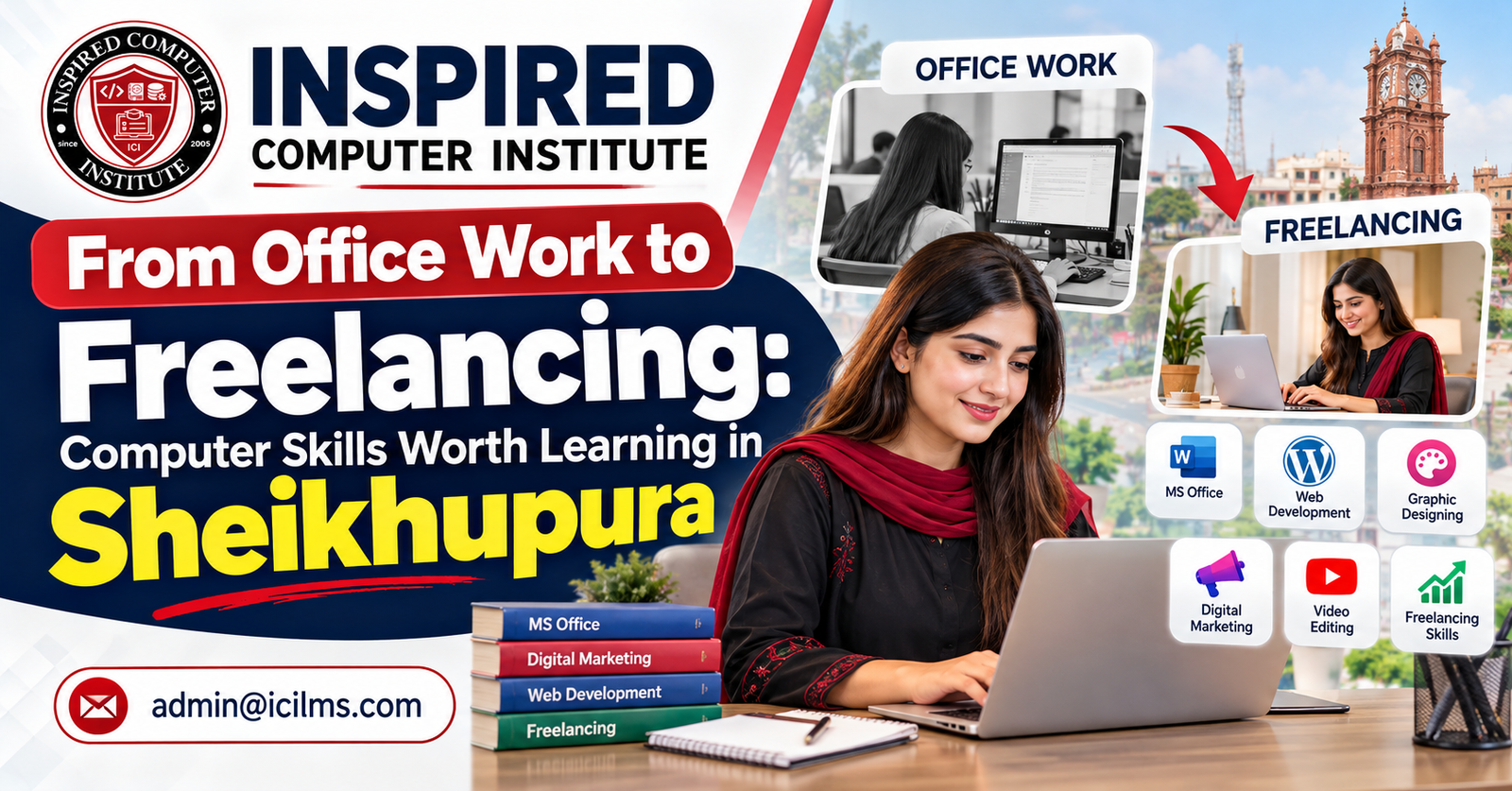
From Office Work to Freelancing: Computer Skills Worth Learning in Sheikhupura
Komal Shahzadi
- September 29, 2026
- Comment 0
From Office Work to Freelancing: Computer Skills Worth Learning in Sheikhupura
The modern job market is changing quickly. Computer skills are no longer useful only for IT professionals; they have become essential for office employees, students, business owners, freelancers, and anyone who wants to build a better career.
For students and job seekers in Sheikhupura, learning practical computer skills can open multiple career paths. You may use these skills to apply for an office job, improve your current position, start freelancing, support a family business, or even build your own digital service business.
The important question is: which computer skills are actually worth learning?
This guide explores some of the most useful computer skills to learn in Sheikhupura, from basic office productivity to freelancing-focused digital skills.
Why Computer Skills Matter in Today’s Job Market
Almost every modern organization uses computers for everyday operations. Schools maintain digital records, businesses prepare invoices and reports, offices communicate through email, companies advertise through social media, and online stores manage customers and orders digitally.
As a result, employers increasingly value people who are comfortable using computers and can perform practical digital tasks independently.
Computer skills can also provide flexibility beyond traditional employment. The same person who learns Microsoft Office for an office position may later learn graphic designing, digital marketing, web development, or another specialized skill and explore freelance opportunities.
Instead of viewing computer education as a single course, it can be helpful to think of it as a career development pathway.
1. Basic Computer Skills
Beginners should develop a strong foundation before moving toward advanced software or professional skills.
Basic computer knowledge can include:
- Windows and computer operations
- File and folder management
- Typing and document handling
- Internet browsing
- Email communication
- Printing and scanning
- Software installation basics
- Online forms and applications
- Cloud storage basics
- Computer safety and password awareness
These skills are especially useful for students or job seekers who have limited practical experience using computers.
Once the fundamentals are clear, learning professional software becomes considerably easier.
2. Microsoft Office
Microsoft Office remains one of the most practical skill sets for administrative and office-related work.
Microsoft Word
Word is commonly used for preparing:
- Letters
- Applications
- CVs and resumes
- Reports
- Official documents
- Certificates
- Notices
- Forms
Professional Word skills should go beyond simply typing text. Students should learn formatting, tables, page layouts, headers and footers, document styles, printing settings, and professional document preparation.
Microsoft Excel
Excel is particularly valuable because organizations use spreadsheets for many different tasks.
You can learn to work with:
- Data entry
- Formulas and functions
- Attendance records
- Expense sheets
- Sales records
- Inventory
- Employee information
- Fee records
- Charts
- Data filtering and sorting
Advanced Excel skills can be particularly helpful for administrative, accounting-support, sales, inventory, and reporting roles.
Microsoft PowerPoint
PowerPoint is useful for students, teachers, office employees, trainers, sales teams, and business professionals.
Learning to create clean and professional presentations can improve both academic and workplace communication.
3. Professional Email and Internet Skills
Knowing how to use social media does not necessarily mean someone has professional internet skills.
Workplace communication requires a more structured approach.
Students should learn:
- Professional email writing
- Email attachments
- CC and BCC
- Google Drive or cloud storage
- Online meetings
- File sharing
- Online research
- Digital forms
- Basic cybersecurity practices
These abilities are valuable for both office work and freelancing.
4. Canva Graphic Designing
Graphic designing has become a popular digital skill because businesses constantly need visual content.
Canva provides an accessible starting point for beginners.
Students can learn to create:
- Social media posts
- Facebook advertisements
- Instagram designs
- Flyers
- Posters
- Business cards
- Certificates
- Presentations
- YouTube thumbnails
- Promotional banners
However, learning Canva should not be limited to using templates.
Understanding layout, typography, spacing, branding, visual hierarchy, and color selection can significantly improve the quality of your work.
These skills can later be used for employment, business marketing, or freelance design services.
5. Digital Marketing
Businesses increasingly rely on online channels to reach potential customers, making digital marketing another valuable skill.
A practical digital marketing course may introduce areas such as:
- Social media marketing
- Facebook marketing
- Instagram marketing
- Content strategy
- Paid advertising concepts
- Audience targeting
- Lead generation
- Marketing funnels
- Analytics
- Campaign planning
Someone with digital marketing skills may work with local businesses, companies, agencies, e-commerce stores, or freelance clients.
6. Search Engine Optimization (SEO)
SEO focuses on improving a website’s visibility in search engines such as Google.
Important SEO skills include:
- Keyword research
- On-page SEO
- Off-page SEO
- Technical SEO fundamentals
- Local SEO
- Content optimization
- Internal linking
- Search intent
- Competitor research
- SEO reporting
SEO can complement content writing, WordPress development, digital marketing, and freelancing.
Instead of learning SEO only as theory, students should practice optimization on real or demonstration websites.
7. WordPress Web Development
Businesses, schools, professionals, online stores, and service providers need websites. WordPress allows people to build many types of websites without starting entirely from programming.
Students can learn:
- Domain and hosting concepts
- WordPress installation
- Themes
- Plugins
- Page builders
- Website layouts
- Responsive design
- Contact forms
- Blogs
- Basic WooCommerce
- Website backups
- Security fundamentals
- Performance optimization
After building a portfolio, WordPress skills can potentially be offered as freelance services.
8. Video Editing
Video has become an important content format for businesses, educational organizations, YouTube creators, and social media pages.
Useful video editing skills can include:
- Cutting and trimming
- Transitions
- Text and titles
- Audio editing
- Background music
- Subtitles
- Reels and short-form videos
- YouTube video editing
- Promotional videos
- Export settings
Students interested in content creation or freelancing may find video editing particularly useful when combined with graphic design and digital marketing.
9. AI Tools and Prompt Engineering
Artificial intelligence is changing how people research, write, design, analyze information, and complete everyday digital tasks.
Instead of viewing AI as a replacement for learning, students can learn how to use AI tools productively alongside traditional computer skills.
Useful areas include:
- AI fundamentals
- Prompt writing
- Research assistance
- Content planning
- Document preparation
- Data assistance
- Brainstorming
- Image generation concepts
- Workflow automation concepts
- Evaluating and verifying AI-generated information
Tools such as ChatGPT, Gemini, Copilot, Claude, and Perplexity can support different workflows.
The most important skill is not simply knowing how to open an AI tool. Students should learn how to provide clear instructions, evaluate results, correct mistakes, and use AI responsibly.
10. Data Analysis and Power BI
For students who want to progress beyond basic spreadsheets, data visualization and business intelligence can be useful areas to explore.
Power BI can be used to turn business data into visual reports and dashboards.
Learners can explore:
- Data preparation
- Data cleaning
- Charts and visualizations
- Dashboard creation
- Filters and slicers
- Business reporting
- Basic data modeling
Combining Excel and Power BI can create a useful foundation for reporting and data-focused roles.
Which Skills Are Better for Office Jobs?
For someone primarily interested in office employment, a practical learning path can begin with:
Computer Basics → Microsoft Word → Excel → PowerPoint → Email & Internet → Professional Documentation
After mastering these skills, learners can add more specialized skills depending on their intended career.
For example, someone interested in reporting can progress toward advanced Excel and Power BI, while someone interested in marketing can move toward digital marketing and graphic design.
Which Skills Can Help With Freelancing?
Freelancing usually requires a service that can be delivered to clients digitally.
Common skill areas include:
Graphic Designing → Digital Marketing → SEO → WordPress Development → Video Editing → Content Services
AI tools can support many of these services, but they should generally be treated as productivity tools rather than a substitute for the underlying professional skill.
For example, someone offering WordPress development still needs to understand websites. A designer still needs design fundamentals, and a digital marketer still needs to understand audiences, campaigns, and analytics.
Office Job or Freelancing: Do You Have to Choose One?
Not necessarily.
A learner can start with office-oriented computer skills and later develop a specialized freelance skill.
For example:
Step 1: Learn basic computer operations.
Step 2: Become confident in Microsoft Office.
Step 3: Select one professional skill such as WordPress, graphic design, SEO, video editing, or digital marketing.
Step 4: Complete practical projects.
Step 5: Build a portfolio.
Step 6: Learn client communication and basic freelancing practices.
This approach creates more than one potential career direction.
Why Practical Training Matters
Watching tutorials can introduce a skill, but professional competence usually requires practice.
Students should work on realistic projects such as:
- Creating a professional Word document
- Building an Excel reporting sheet
- Designing social media graphics
- Creating a WordPress website
- Optimizing a sample web page for SEO
- Editing a promotional video
- Preparing a digital marketing campaign
- Building a simple Power BI dashboard
Projects help students understand how skills are actually applied outside the classroom.
They can also become part of a beginner portfolio.
How to Choose a Computer Course in Sheikhupura
Before joining a computer course, do not choose solely based on the course name.
Consider whether the training includes practical work, updated software, structured lessons, projects, instructor guidance, and opportunities to practice independently.
Also ask yourself what you want to achieve.
If your goal is an office job, Microsoft Office and computer fundamentals may be the right starting point.
If your goal is freelancing, choose a marketable service skill and develop a portfolio around it.
If you want to work in marketing, consider graphic designing, digital marketing, SEO, and content-related skills.
If you are interested in websites, WordPress and web development may provide a clearer direction.
Learning Computer Skills at Inspired Computer Institute in Sheikhupura
Inspired Computer Institute (ICI LMS) offers computer and technology learning options for students who want to develop practical digital skills in Sheikhupura.
Depending on the learner’s goals, areas of study can include computer fundamentals, Microsoft Office, graphic designing, digital marketing, SEO, WordPress web development, video editing, AI and prompt engineering, and other technology-focused skills.
The right course depends on your current skill level and career objective. Beginners may benefit from building strong computer fundamentals first, while students who already understand basic computer operations can move toward specialized professional skills.
Final Thoughts
Moving from traditional office work toward freelancing does not happen by learning dozens of tools at once.
A better approach is to develop strong fundamentals and then specialize.
For office-oriented careers, computer basics, Microsoft Office, professional email, Excel, and reporting skills can provide a useful foundation.
For freelancing, learners can build on that foundation with skills such as graphic designing, WordPress development, SEO, digital marketing, or video editing.
AI tools can then be added to improve productivity across many of these areas.
Whether your goal is a job, freelancing, business, or further education, the most valuable computer skill is one that you can understand, practice, demonstrate, and apply to real work.
Frequently Asked Questions (FAQs)
1. Which computer skills are best to learn in Sheikhupura?
Useful options include computer basics, Microsoft Office, Excel, graphic designing, digital marketing, SEO, WordPress web development, video editing, Power BI, and AI tools. The best starting point depends on your career goal.
2. Which computer course is useful for an office job?
Microsoft Office combined with computer fundamentals, email communication, internet skills, and document management provides a practical foundation for many office roles.
3. Which computer skill is useful for freelancing?
WordPress development, graphic designing, SEO, digital marketing, video editing, and related digital services can all be used in freelancing once you develop sufficient skill and a portfolio.
4. Can I learn freelancing after completing Microsoft Office?
Yes. Microsoft Office can provide a good computer foundation, after which you can specialize in a service such as WordPress, graphic design, SEO, or digital marketing.
5. Is Microsoft Excel worth learning?
Yes. Excel is widely useful for organizing data, calculations, reporting, attendance, inventory, expenses, sales records, and many other workplace tasks.
6. Is WordPress good for freelancing?
WordPress can be a useful freelance skill because businesses and professionals need websites, landing pages, blogs, and e-commerce sites.
7. Can beginners learn digital marketing?
Yes. Beginners can start with marketing fundamentals, social media platforms, content strategy, audiences, analytics, and advertising concepts before progressing toward more advanced campaigns.
8. Is graphic designing a useful skill for students?
Yes. Graphic design can be used for social media content, advertisements, posters, presentations, branding materials, and freelance services.
9. Can I start graphic designing with Canva?
Yes. Canva is beginner-friendly, but students should also learn design principles such as typography, spacing, hierarchy, branding, and layout.
10. Is SEO difficult to learn?
SEO has both beginner and advanced concepts. Students can start with keywords, search intent, on-page optimization, content, and basic local SEO before progressing toward technical areas.
11. What is the role of AI in computer skills?
AI can assist with research, writing, planning, analysis, brainstorming, design concepts, and repetitive digital tasks. Users should still verify AI-generated information and understand the underlying task.
12. Is prompt engineering useful for students?
Prompt-writing skills can help students communicate more effectively with AI systems and use them for structured research, learning, planning, and productivity tasks.
13. Should I learn Excel or Power BI first?
For most beginners, Excel is a sensible starting point. Power BI can then be introduced for more advanced reporting, visualization, and dashboard creation.
14. Can I do an office job and freelancing together?
Potentially, yes, depending on your employment terms, available time, and client commitments. Many digital skills can be applicable to both workplace and independent projects.
15. How can I start freelancing after learning a computer skill?
Develop your chosen skill, complete several realistic projects, build a portfolio, learn professional client communication, and then explore suitable freelance platforms or direct client outreach.
16. Do I need a degree to learn freelancing skills?
A specific degree is not required to begin learning many freelance digital skills. Clients often also consider practical ability, communication, experience, and portfolio quality.
17. How long does it take to learn a computer skill?
It depends on the skill, training intensity, prior knowledge, and practice. Basic tools may be learned relatively quickly, while professional competence in areas such as development, SEO, design, or marketing requires continued practice.
18. Are computer skills useful after Matric or Intermediate?
Yes. Students can begin developing practical computer skills after Matric or Intermediate while continuing their formal education.
19. Where can I learn computer skills in Sheikhupura?
Students can explore local training institutes, including Inspired Computer Institute (ICI LMS) in Sheikhupura, and compare courses based on curriculum, practical training, projects, instructor support, and their own career goals.
20. Which computer skill should I learn first?
If you are a complete beginner, start with computer fundamentals and Microsoft Office. Once you are comfortable using a computer professionally, choose a specialized skill based on whether you want to pursue office work, freelancing, marketing, design, web development, or another career direction.